CRM / Client Management Dashboard UI
🔍 About the Task
Small agencies, freelancers, and B2B service businesses handle multiple:
- leads
- clients
- follow-ups
- internal tasks
Most of them still rely on:
- spreadsheets
- WhatsApp messages
- basic tools not built for agencies
This creates confusion, missed follow-ups, and poor client experience.
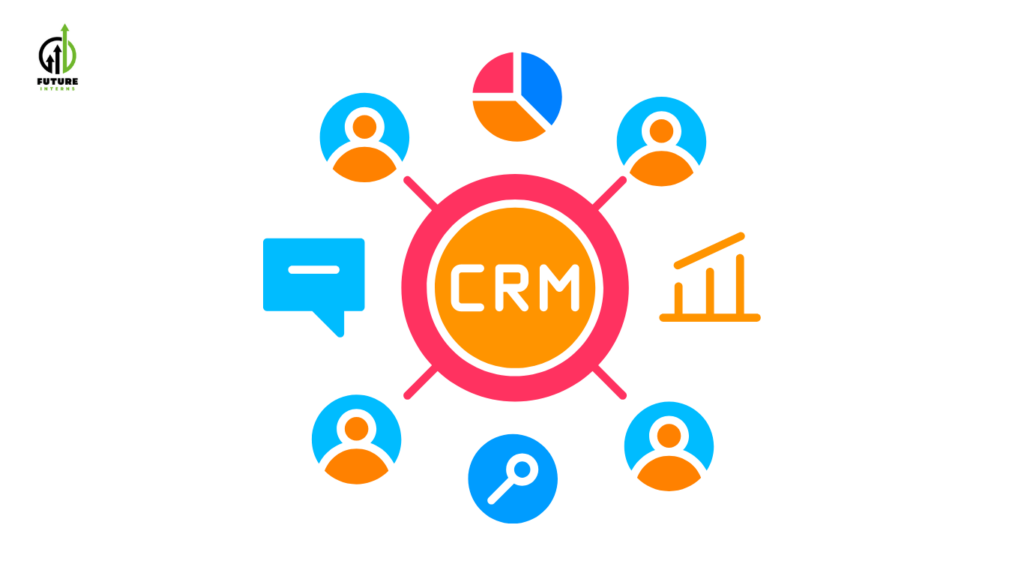
That’s why modern agencies and startups use CRM (Client Relationship Management) tools to centralize everything in one dashboard.
In this task, you will design a real CRM dashboard UI, similar to what is used in:
- B2B SaaS products
- digital agencies
- consulting firms
- startup sales teams
This is not a student-level UI task — it mirrors real SaaS product UX work.
🎯 Objective
Your goal is to design a web-based CRM dashboard that helps a small agency:
- track leads across different stages
- manage active clients clearly
- plan tasks and follow-ups
- understand client engagement at a glance
You are designing workflows, not just screens.
🏢 Real-World Scenario (Mandatory)
You must design this CRM as if it is built for a real business, such as:
- a digital marketing agency
- a web design / development agency
- a SaaS consulting firm
- a freelancer team handling multiple clients
Example:
“CRM dashboard for a 5-member digital agency managing 30+ clients.”
This makes your portfolio credible and job-ready.
✅ What You’ll Do
As part of this task, you will:
- Identify agency workflows (lead → client → follow-up)
- Define user roles (owner, team member)
- Structure dashboard layout for daily usage
- Design scalable UI for growing data
- Apply B2B SaaS UX principles
- Explain design choices clearly
This is the same process followed by SaaS UI/UX designers.
🛠️ Design Tools You’ll Use
You may use any one of the following tools:
Core Design Tools
- Figma – https://www.figma.com
- Adobe XD – https://www.adobe.com/products/xd.html
- Framer – https://www.framer.com
Focus on web dashboard UX, not mobile UI.
✨ Key Screens & Features to Design
Your CRM dashboard should include:
✔ Lead tracking and client list management
✔ Visual lead pipeline (status-based stages like New, Contacted, Converted)
✔ Client profile page with engagement status
✔ Task tracker with follow-up reminders
✔ Clean navigation suitable for daily business use
✔ Scalable layout for large data sets
Optional bonus:
- Analytics / summary cards
- Filters and search
- Activity timeline
📁 Design Inspiration & Reference (Study Only)
You may explore the following platforms for inspiration only
(do not copy designs):
UI Inspiration Platforms
- Dribbble – https://dribbble.com
(Search: CRM dashboard, SaaS dashboard UI) - Behance – https://www.behance.net
(Search: CRM UX case study, B2B SaaS dashboard)
Real CRM Products (UX Study)
- HubSpot CRM – https://www.hubspot.com
- Pipedrive – https://www.pipedrive.com
- Zoho CRM – https://www.zoho.com/crm
📤 Final Deliverable
You must submit:
- A complete CRM dashboard UI design, including:
- lead pipeline
- client list
- client profile view
- task & follow-up screen
- A short design rationale explaining:
- workflow logic
- UX decisions
- how the dashboard helps agencies work efficiently
All work must be documented in a public GitHub repository with:
- design files
- screenshots
- rationale
💼 Why This Task Is High-Value
- Directly aligned with B2B SaaS jobs
- Useful for agency client projects
- Strong portfolio signal for UI/UX roles
- Teaches workflow-based design thinking
This is the kind of work real companies hire designers for.
🌟 Showcase Your Work
After completion:
- Share your dashboard design on LinkedIn
- Explain:
- which agency you designed it for
- how the workflow improves efficiency
- Tag Future Interns